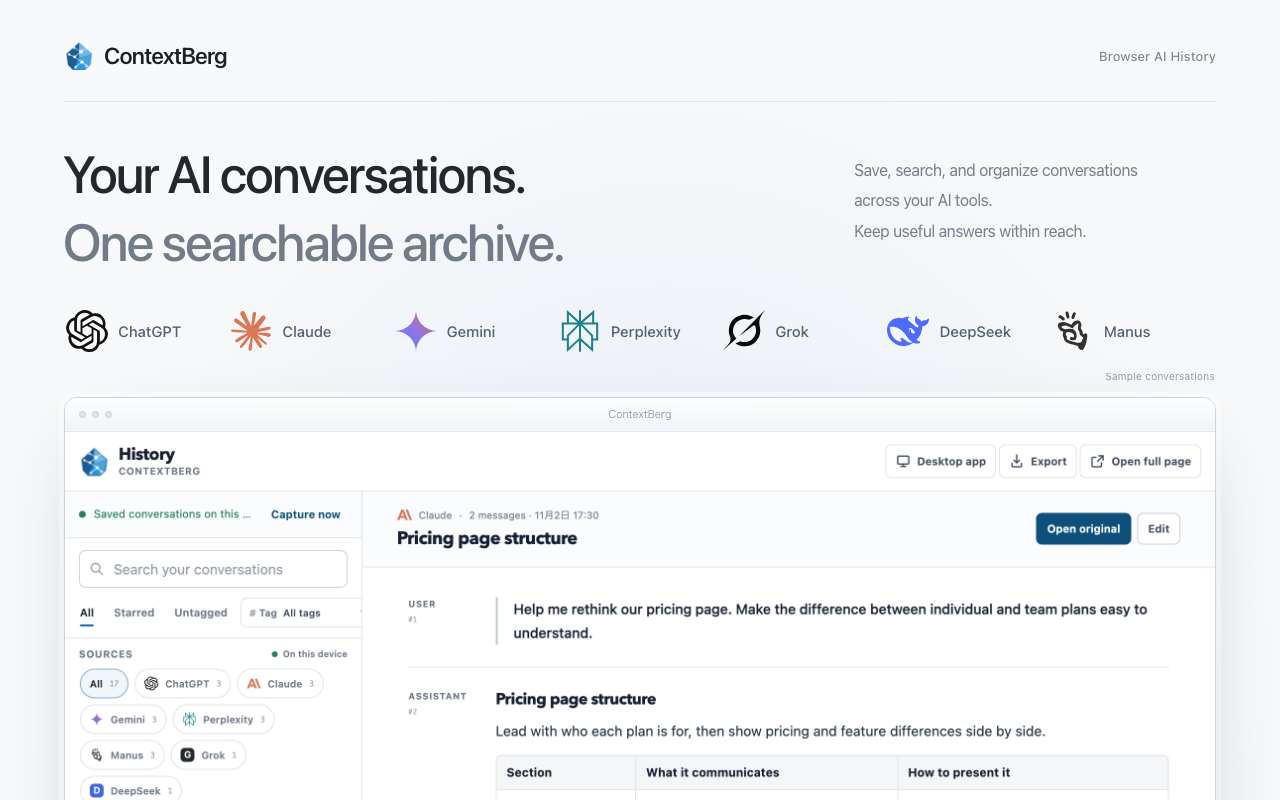
Resume coding, find a product you liked, prepare a client call, or organize a day trip. Try four distinct ways to use ContextBerg records with your usual AI.
MCPClaude CodeCodexChatGPT
The order of a task, the sources someone checks, and the questions they ask AI agents reveal how they work. Use work history to turn those habits into knowledge a team can reuse.
Tacit knowledgeKnowledge sharingAI agentsWork history
Struggling to remember what you did today? Copy a daily work log with completed work, source evidence, open questions, and one next action. Includes examples and a prompt for a draft grounded in recorded work.
Work logDaily reviewWork log template
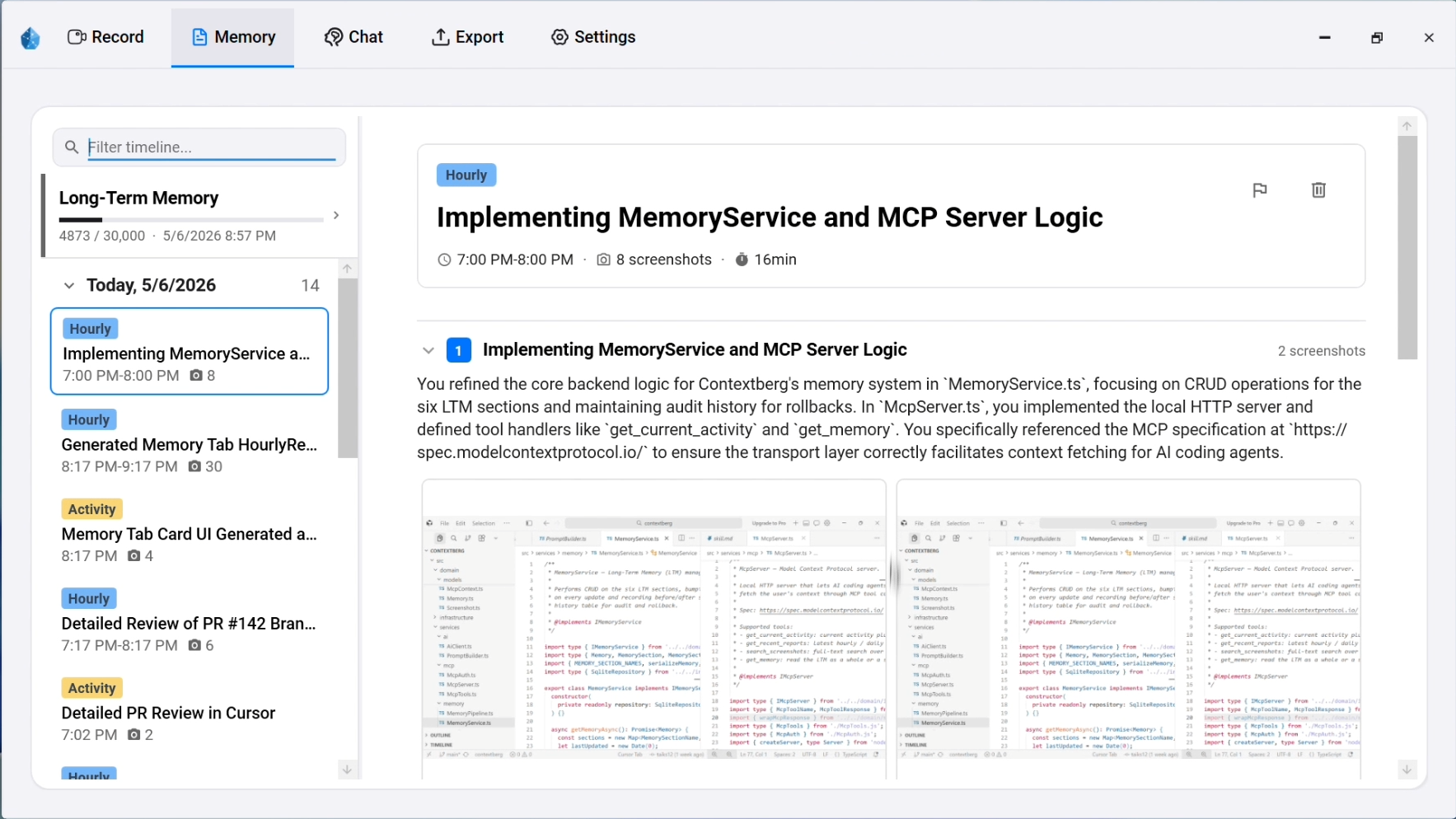
A practical guide to the work context an AI agent needs across sessions: recent activity, decisions, research, and durable project knowledge.
AI agent memoryPersistent memoryWork contextClaude Code

Screen and keyboard history can be useful and sensitive. Here is how to evaluate local storage, capture controls, model routing, and deletion before recording work.
Local-firstPrivacyAI agent memoryLM Studio
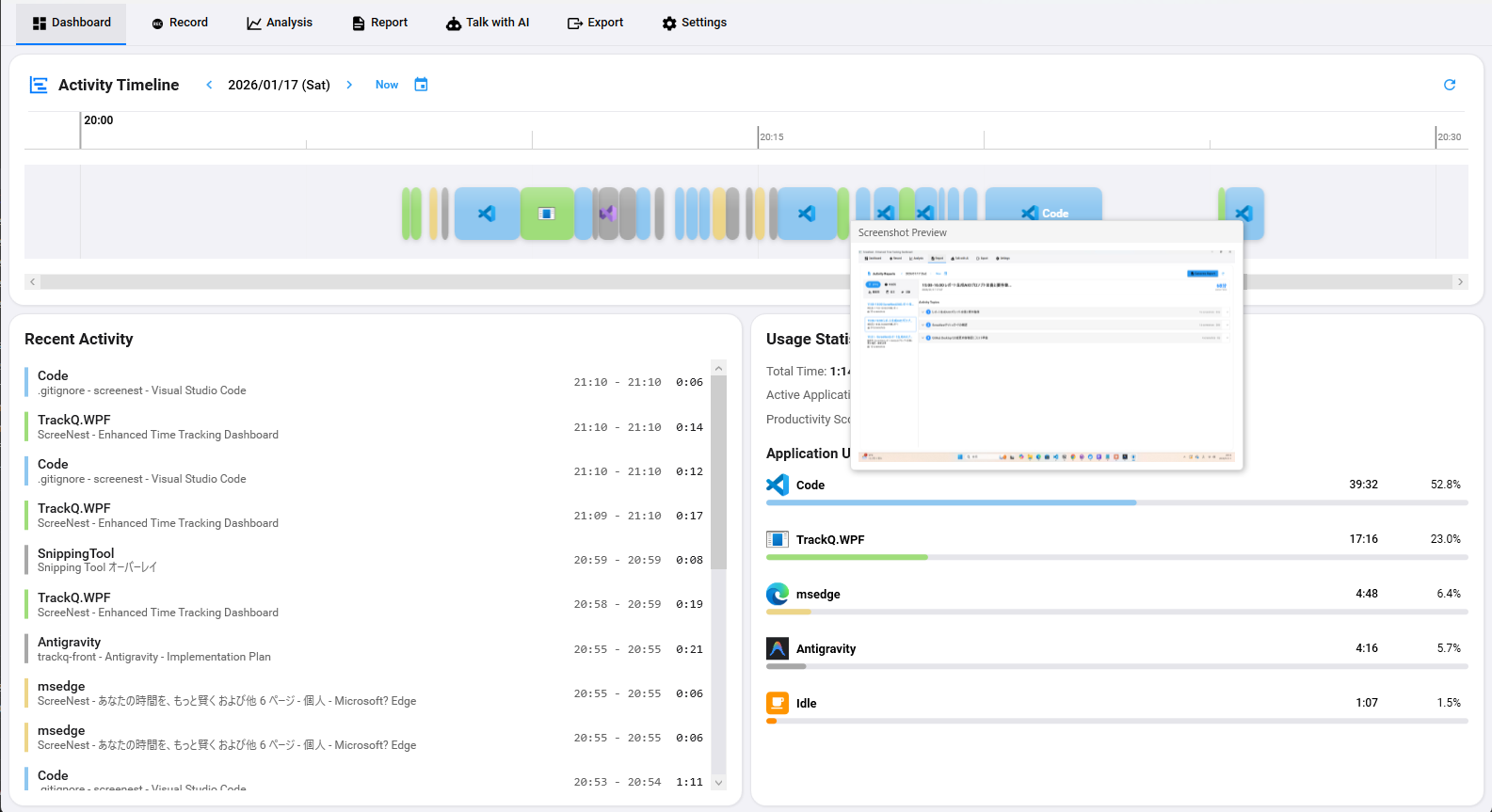
Chat logs, browser research, file changes, and reviews tell different parts of one task. Here is a way to connect them without confusing a recorded event with a proven decision.
Agent work graphAI coding historyClaude CodeCodex
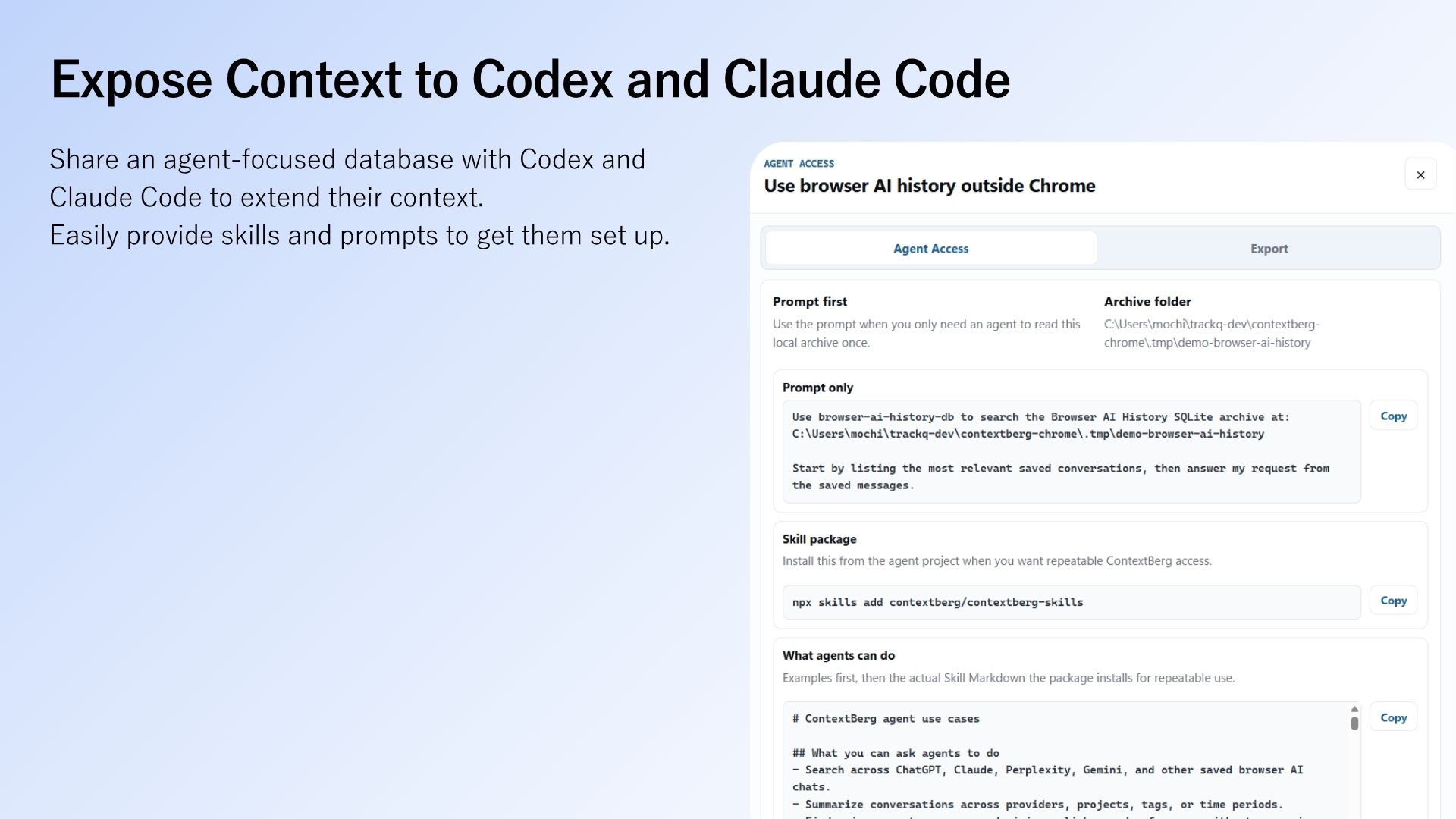
Reading the current page tells an agent what is visible now. Recovering earlier research, decisions, and interruptions requires a different layer of context.
Browser agentsComputer useLocal memoryBrowser history

A tool connection does not define permission, reversibility, billing, or auditability. A practical checklist for exposing business operations to AI agents.
MCPAgent-ready APISaaSAuthorization
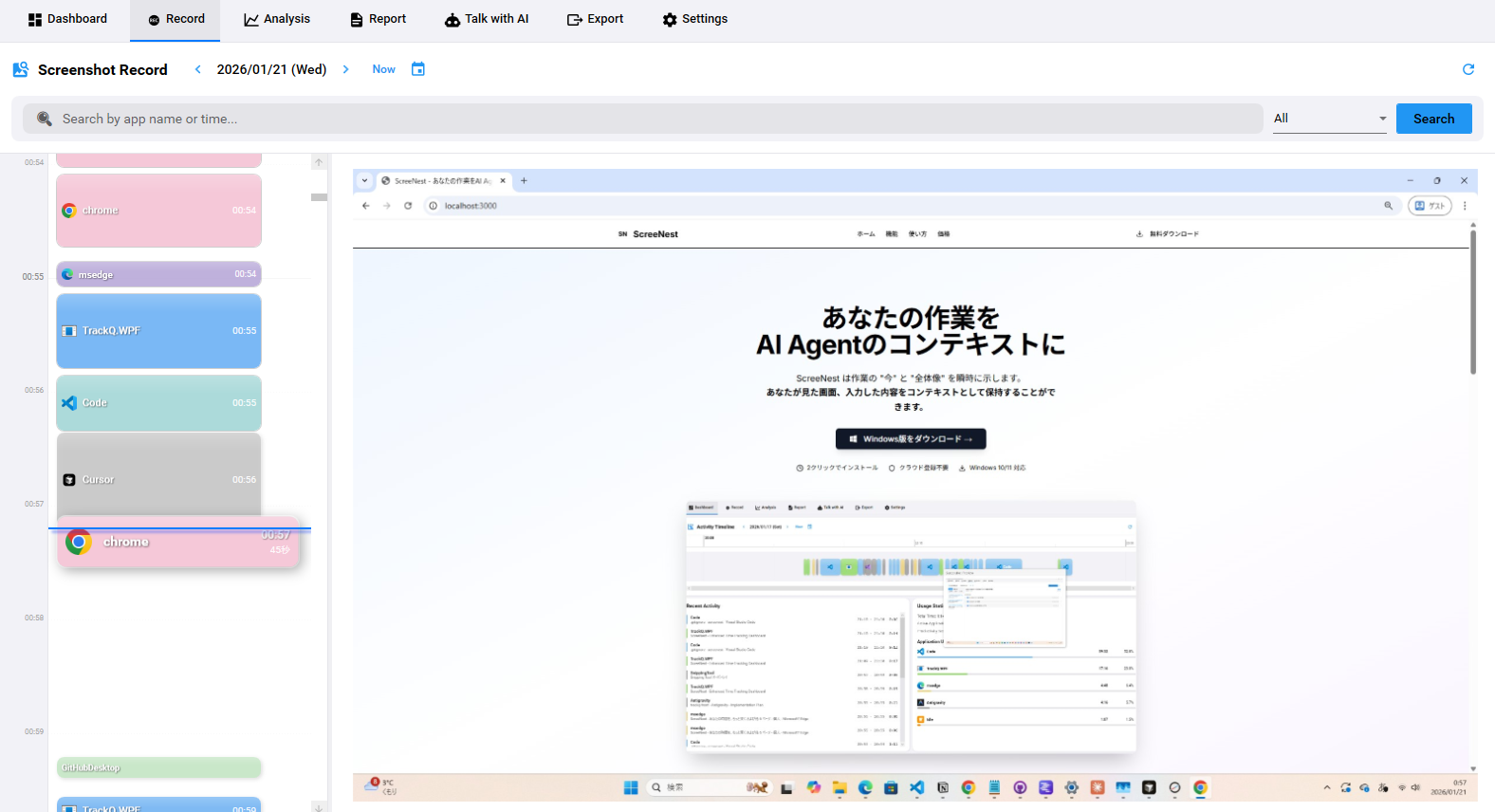
Why idle memory, CPU use, startup time, and storage growth matter for an app that records work in the background on Windows and macOS.
Desktop performanceWindowsmacOSBackground app

A short macOS walkthrough: record a small work session, connect Claude Desktop through MCP, and ask a question that verifies what was captured.
Claude DesktopContextbergMCP setupQuickstart

These tools remember different things for different users. Compare the memory boundary, integration point, and best starting question before choosing one.
AI agent memoryMem0Lettaagentmemory
Use the MCP bridge to make selected local work history available in Codex, Claude Code, Claude Desktop, or another compatible client.
Contextberg MCPnpxCodexClaude Code
Lost your place after an interruption or an AI chat? Practical ways to leave a restart cue, retrace work without a note, and choose extra support when you need it.
ADHD and workContext switchingAI conversationsTask resumption
Save browser AI conversations and combine them with local PC work history in Claude Code. See an actual handoff and why ContextBerg fits work across multiple AI tools.
Claude CodeBrowser researchLocal work historyMCP
What gets lost when design, review, and edits happen in different AI coding agents—and what a useful handoff should carry forward.
Claude CodeCodexCross-agent memoryWork handoff
A morning-resume workflow for recovering what you read, tried, decided, and left unfinished—not just the last message you sent to an agent.
Resume workWork historyAI chat historyLocal memory
Compare Contextberg, Pieces, screenpipe, and Microsoft Recall: pricing, platforms, model choice, local processing, and AI integrations. Explore a Rewind alternative.
Work memoryRewind alternativeMicrosoft Recall alternativeMCP
Start free with Contextberg for macOS and Windows. Record work context locally, choose your AI model, and share memory with Claude Code, Codex, and Cursor through MCP.
AI Agent MemoryLocal Work MemoryClaude CodeCodex