When you lose the thread of a task: an external memory for work
Interruptions can make it hard to find your way back. A practical work-history approach to resuming a task, including for people exploring ADHD-friendly workflows.
この記事を日本語で読む →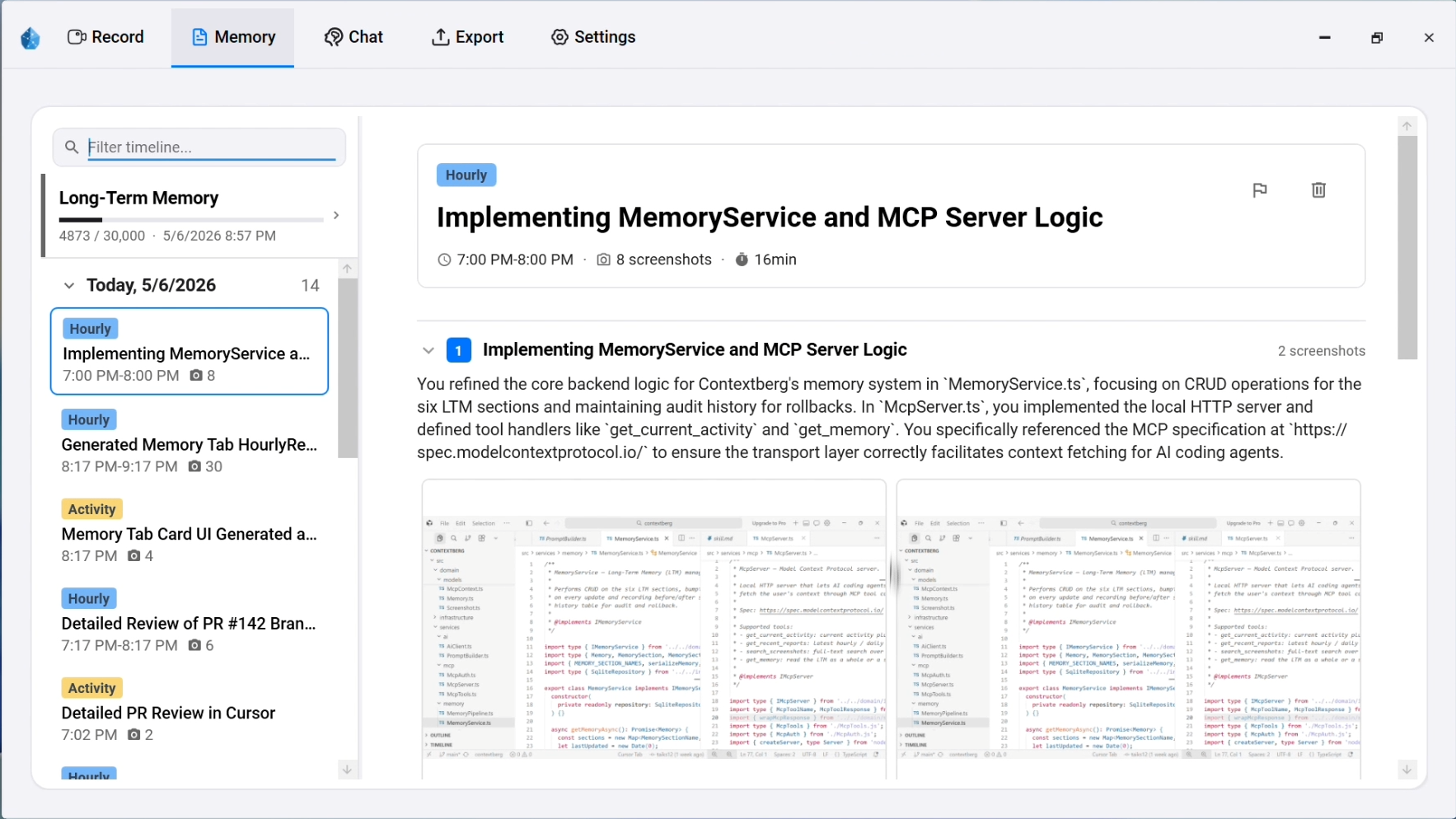
The difficult moment is often the return
You answer a message, leave for a meeting, then return to the editor. The file is open, but you cannot remember which change you were testing or which page explained the error. This can be especially frustrating for someone seeking an ADHD-friendly workflow, and it can happen to anyone doing work across many apps.
The design question here is practical: what would help you restart without reconstructing the whole afternoon? This article is about organizing work context, not diagnosing ADHD or suggesting treatment.
A task list and a work trail solve different problems
| Tool | What it usually tells you | What may still be missing |
|---|---|---|
| Calendar | When work was planned | What actually happened during that time |
| To-do list | What you intended to do | Which step you reached and why you paused |
| Timer | How long a period lasted | The page, decision, or error behind the task |
| Work history | What apps, pages, and conversations were involved | Your intent if it was never expressed or captured |
The aim is not to replace a calendar or task list. It is to make the path back to a specific task easier to find when the plan has been interrupted.
Four clues that make a restart useful
- The work surface: Which file, document, app, or page was active?
- The last meaningful step: What was changed, tested, or discussed?
- The evidence: Which browser page or agent conversation might explain the choice?
- The next small action: What can you open or verify first?
Contextberg's Record timeline can retain app and screen activity, browser history, typed input, and supported agent conversations according to your capture settings. Remember and Chat can use that context to suggest where to resume. The suggestion is a starting point; inspect the source record and current files before acting on a consequential claim.
Try a small question
What was I working on in the last 90 minutes?
Separate what I viewed from what I changed.
What is the first concrete thing I should open to resume?
This question asks for a restart point rather than a productivity judgment. If the result misses something, the Record view can show whether the source was captured, excluded, or simply not enough to infer your intention.