USE CASE · DEVELOPERS
Give your coding agents memory.
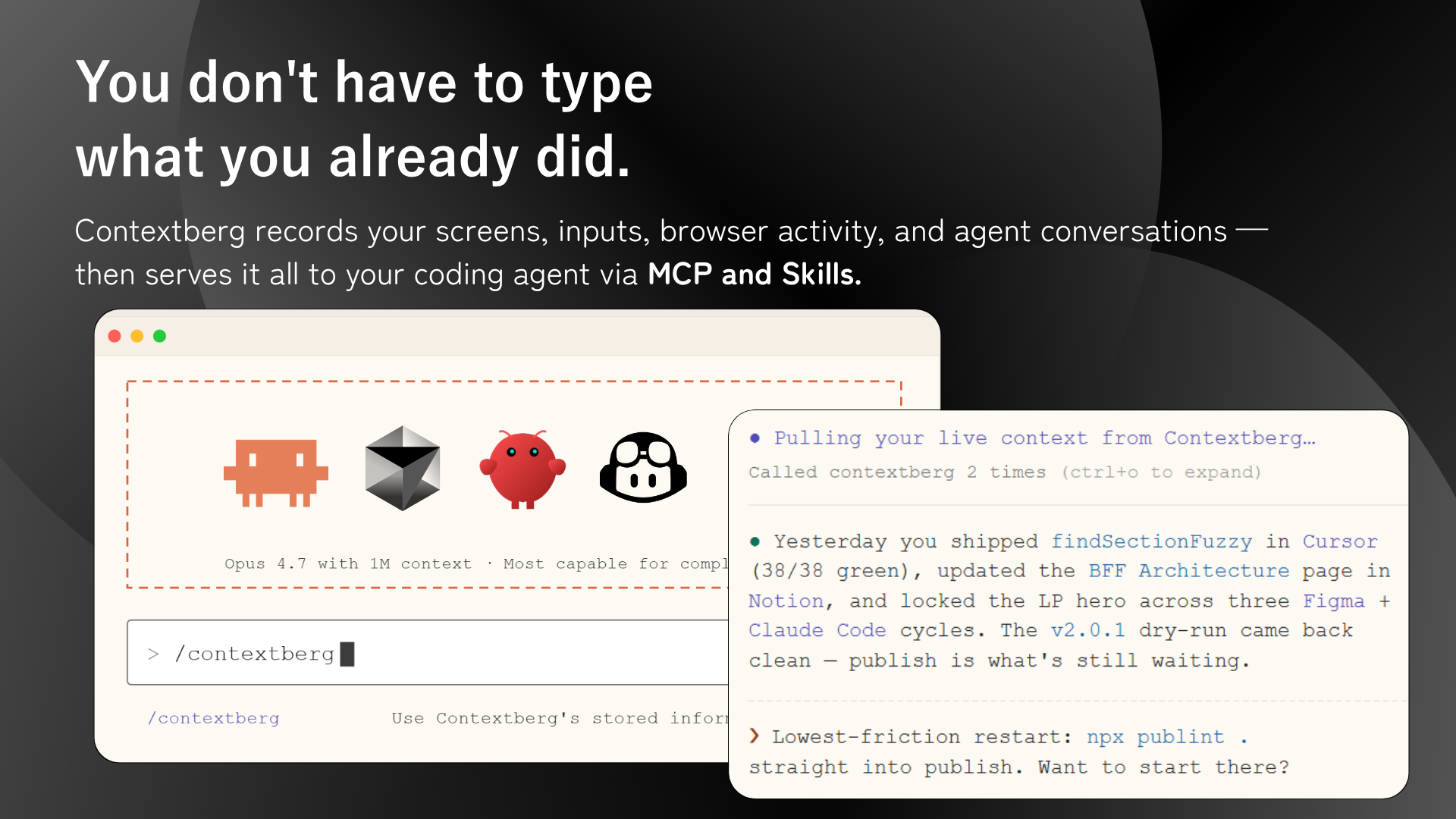
When you plan a change in ChatGPT / Codex, edit files in Cursor, read a GitHub issue in Chrome, and test in Claude Code, Contextberg keeps that shared thread alive so you stop copy-pasting recaps.
No Copilot+ NPU, no huge local download, and no credit card required to start. Work history stays local on your computer; exclude private apps or URLs anytime in Settings.
WORKDAY SCENES
Three moments in a developer's day
Instead of writing static manuals for every repo change, here is where shared local context saves real friction.
01 · Switching tools mid-task
Plan in ChatGPT / Codex, edit in Cursor, verify in Claude Code
Every tool switch meant re-typing which two files changed in Cursor, which edge case ChatGPT flagged, and which staging check was still open.
Ask Claude Code to pick up where you stopped—Contextberg passes the bounded cross-app trail so tests and reviews start from the exact state on your screen.
 ChatGPT / Codex
 Cursor
 Claude Code
Chrome · Terminal · Slack → Contextberg MCP
02 · Between docs, issues & code
Keep browser research and terminal errors attached to your code
Static CLAUDE.md rules do not know which GitHub issue you read 15 minutes ago or which command just failed in Terminal, leading agents to repeat dead ends.
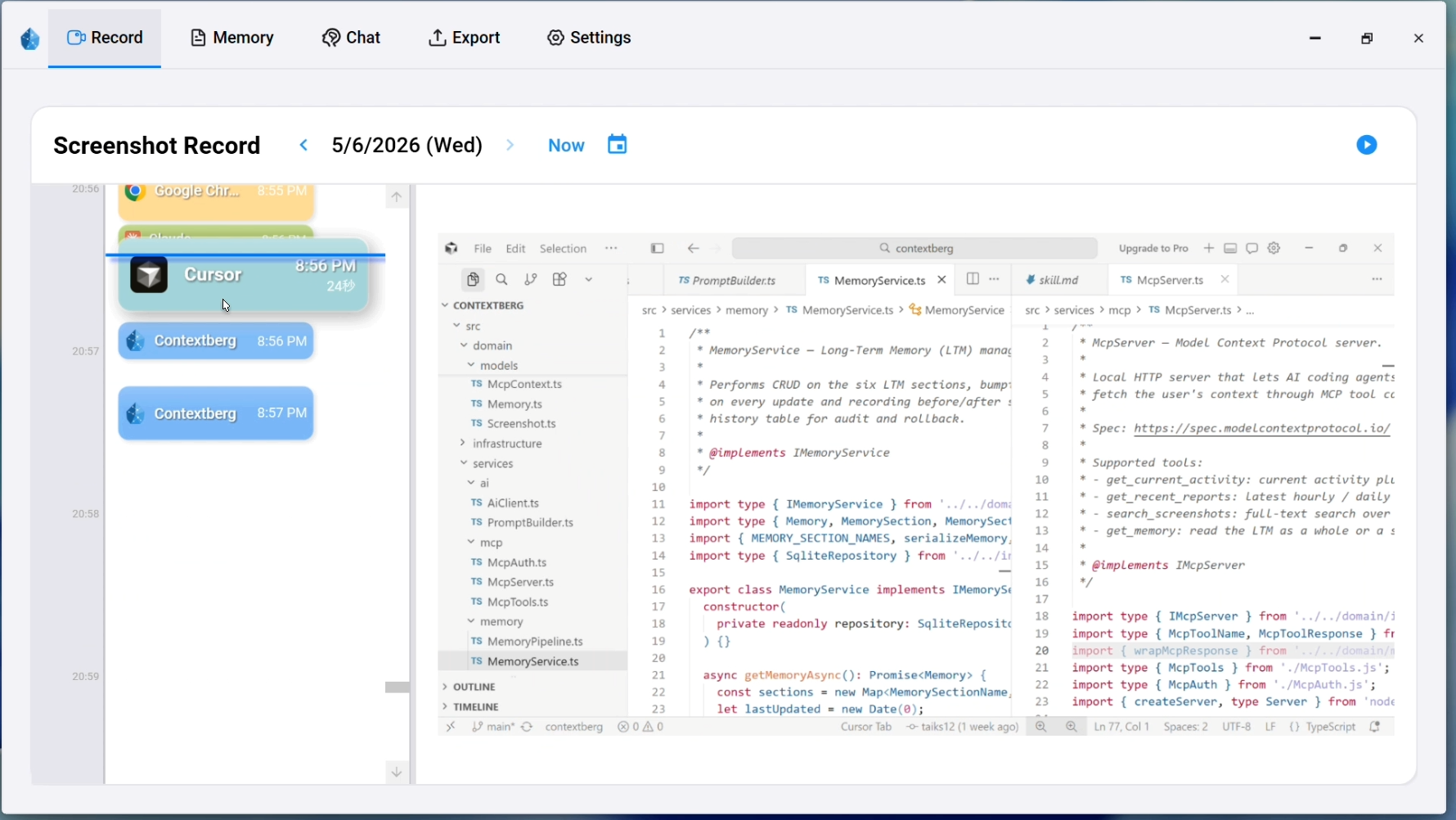
Open tabs, editor windows, and terminal runs live on one timeline, giving your agent concrete evidence of what you already checked.
03 · Restarting the next morning
Separate passing checks from unfinished work overnight
Coming back the next morning meant piecing together half-closed terminals, old chat threads, and git diffs before making one edit.
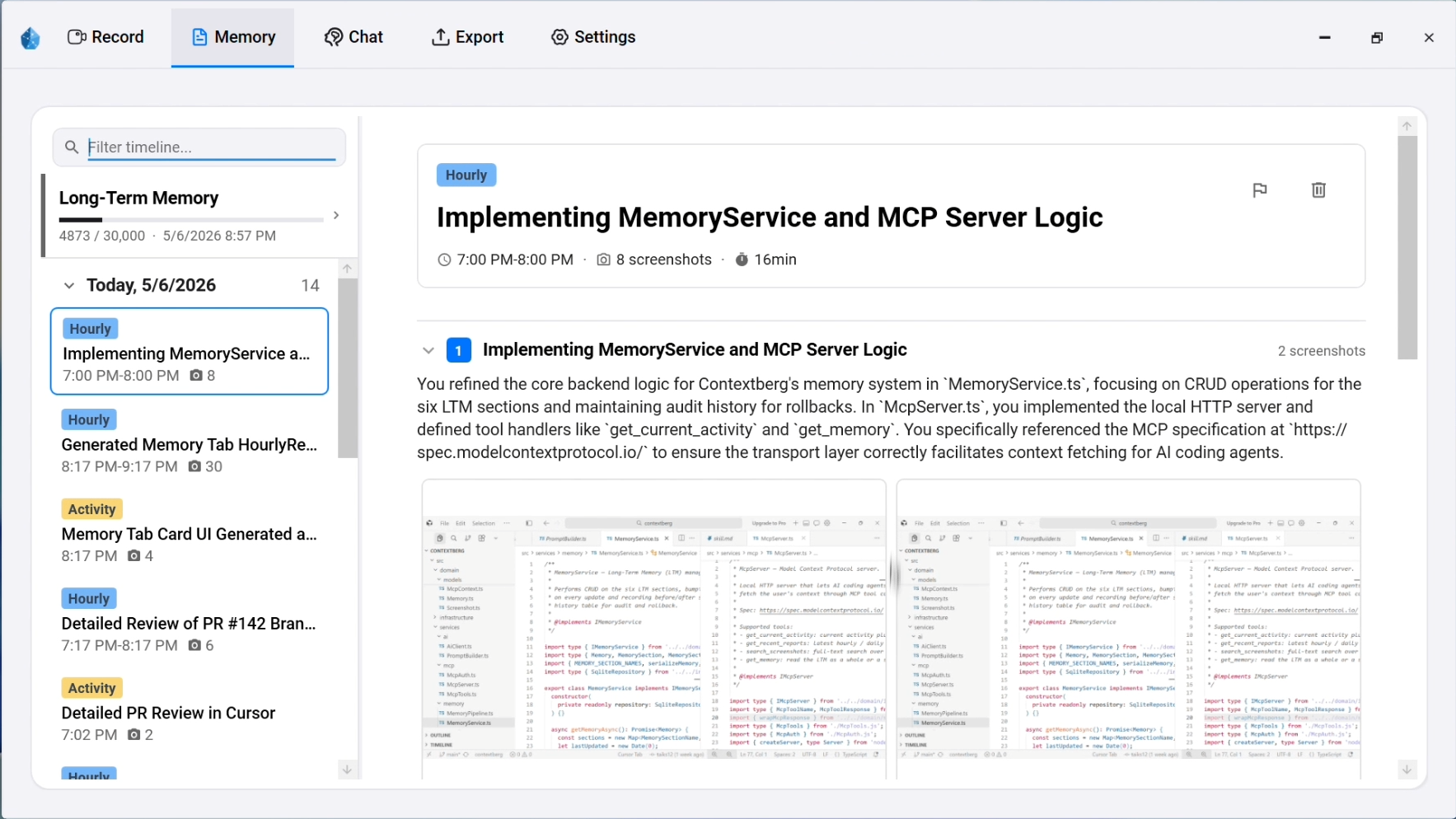
Session summaries and editable Long-Term Memory (LTM) preserve decisions and open checks—working smoothly on standard Windows 10/11 PCs and Macs, with optional offline LM Studio.
INTERACTIVE EXAMPLE
Toggle “With Contextberg” vs. “Without records”
Switch between Claude Code and ChatGPT / Codex or click any source card to see how cross-app context feeds the reply (sample data).
MCP retrieval details
get_activity({"hours": 2})
get_agent_history({"agents": ["cursor", "chatgpt", "codex"], "max_turns": 10})
read_ltm()
Illustrative calls · sample dataIn Cursor, you updated local API port `18080` and token checks in `McpServer.ts`, while Chrome had GitHub Issue #418 open on Windows stdio reconnection timeouts. Your ChatGPT / Codex design note and editable LTM specify one hard constraint: the stdio bridge must never write non-JSON-RPC logs to `stdout`.
Ready-to-run handoff checklist in Claude Code
- Verify `McpServer.ts` stays silent on `stdout` even when spawned via `cmd /c npx` on Windows
- Add the reconnection timeout edge case from GitHub Issue #418 to the `MemoryService.ts` test suite
- Check that paused Record states and excluded apps never leak into MCP tool responses per LTM
Because Cursor, Chrome, ChatGPT / Codex, and LTM context came over via MCP automatically, you can start testing right away without manual copy-paste.
Connect Claude Code (Mac & Windows)
Enable the capture signals you want, keep the Contextberg desktop app running, and connect via Node.js (npx).
# macOS
claude mcp add --scope user -e CONTEXTBERG_API_URL=<URL_FROM_APP> --transport stdio contextberg -- npx -y @contextberg/mcp-server

# Windows
claude mcp add --scope user -e CONTEXTBERG_API_URL=<URL_FROM_APP> --transport stdio contextberg -- cmd /c npx -y @contextberg/mcp-server
Restart your client and verify via /mcp. Only the bounded context retrieved for your request is passed to the AI client.
START FREE ON MAC OR WINDOWS
Your work history. Your model choice.
Contextberg stays local on your computer and connects cleanly to your AI tools. Start free on Mac or Windows—no credit card or NPU required.
Need team or cloud limits?View pricing →