Contextberg vs. LUCI Desktop: Local Work Memory Without Requiring an NPU
Compare Contextberg and LUCI Desktop (Memories.ai): standard Windows 10/11 readiness without an NPU or Foundry Local download, 3-tier memory, AFK work resumption, Browser AI History, and transparent Free vs. $8/mo Lite pricing.
Read in Japanese →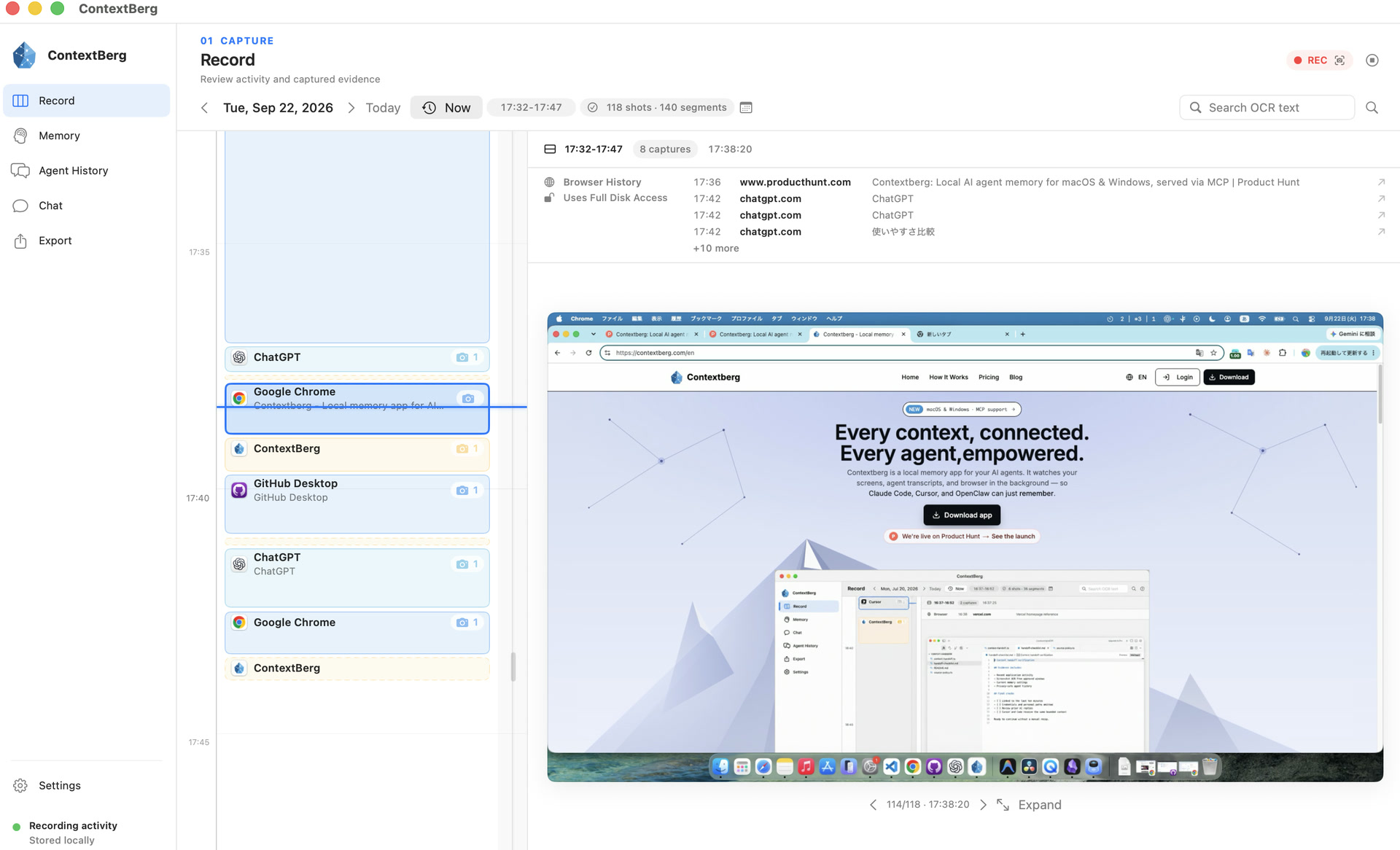
Both Contextberg and LUCI Desktop (by Memories.ai) keep desktop work history local and serve context to coding agents over MCP. The real difference is hardware assumptions, memory structure, and whether your memory tool only feeds agents—or also helps humans recover interrupted work.
Quick side-by-side comparison
| What to compare | Contextberg (Mac & Windows) | LUCI Desktop (Memories.ai) |
|---|---|---|
| Standard Windows 10/11 readiness | Runs on standard Windows 10/11 PCs and Macs (macOS 13+). No NPU / Copilot+ PC and no mandatory multi-GB Foundry Local runtime or model download just to start | Built around Microsoft Foundry Local SDK / Windows ML on Windows; optimized for Copilot+ PC NPU acceleration (with GPU/CPU fallback) and Visual C++ Redistributable setup |
| Memory architecture | Structured 3-tier memory: Evidence (Record timeline) vs. Daily / AFK reports (STM) vs. inspectable & editable Long-Term Memory (LTM) | Local screen capture & meeting audio transcription indexed into a local SQLite database for search and MCP retrieval |
| Human work resumption | Built-in AFK detection & return summaries plus next-step suggestions designed for interrupted days and ADHD workers—alongside developer agent handoffs | Primarily positioned as a local screen/audio recall & agent context layer |
| AI agent & browser coverage | Captures Claude Code, Cursor, and ChatGPT / Codex transcripts + pairs with the Browser AI History Chrome extension (ChatGPT, Claude, Gemini, Perplexity, Manus) | Captures screen activity and meeting audio; exposes local context to MCP-compatible coding agents |
| AI model & routing choice | Choose Contextberg Cloud (Gemini), SelfAI (your API key, OpenRouter, or ChatGPT / Codex sign-in), or 100% local LM Studio (text generation without tool use) | On-device inference via Foundry Local on Windows and Apple Silicon local processing on Mac |
| Pricing transparency | $0 Free plan (no credit card; local storage, MCP, LM Studio, 180-day retention, basic Gemini quota) + optional $8/mo Lite for hosted AI capacity & unlimited retention | $0 Free desktop software (requires your own hardware capacity for local Foundry models) |
*Comparison based on official product documentation and public product descriptions reviewed in November 2026. Verify each vendor's latest hardware and release notes before standardizing on a team workflow.*
1. Standard Windows 10/11 readiness (No Copilot+ NPU required)
Many Windows developers and knowledge workers do not use a 40+ TOPS Copilot+ PC—they work on standard corporate ThinkPads, custom x64 desktops, or 16 GB Windows laptops where downloading and running multi-gigabyte local models all day drains battery or fights Docker and IDE builds for RAM.
Contextberg installs from Microsoft Store (Windows 10/11) or DMG (macOS 13+) without bundling a mandatory local LLM runtime or requiring Microsoft Foundry Local first. You get local history immediately, and choose when to run summarization in Contextberg Cloud, via SelfAI (your own API key or ChatGPT / Codex), or through LM Studio when you specifically want 100% offline inference.
2. Structured 3-tier memory vs. raw capture search
Finding an old screenshot is only half the job. Contextberg separates what happened from what you need to act on:
- Record (Evidence layer): Timestamped app switches, screenshots, browser URLs, input, and agent history that you can inspect, search, exclude, or delete.
- Memory (Daily & AFK STM reports): Topic-grouped summaries generated around your sessions and away-from-keyboard breaks—linked back to the original Record captures.
- Long-Term Memory (LTM): Editable Markdown memory of your stack, design conventions, and project constraints—useful both for your own reference and for coding agents calling
read_ltmorupdate_ltm.
3. Built for interrupted humans, not just coding agents
If you are a developer who only cares about feeding an agent, MCP context alone may sound sufficient. In real workdays, humans lose context just as often as agents do:
- ADHD workers & interruption-heavy days: Step away for a meeting or Slack ping and return to an AFK Report Ready recap instead of scanning 20 tabs (see the ADHD Workers use case).
- Developers & coding agents: Use
get_activity,get_daily_memory,get_agent_history, andread_ltmacross Claude Code, Cursor, and ChatGPT / Codex (see the Developers use case, or compare Contextberg vs. Pieces).
4. Coding agent transcripts + Browser AI History Chrome extension
Work research does not only happen inside terminal agents. Contextberg pairs desktop capture (including Claude Code, Cursor, and ChatGPT / Codex sessions) with the companion ContextBerg Browser AI History Chrome extension, which saves and tags conversations from ChatGPT, Claude, Gemini, Perplexity, and Manus locally—so web research and coding sessions stay reachable together.
5. Transparent Free start + optional $8/mo Lite
Both Contextberg and LUCI Desktop let you start for $0. Where Contextberg differs is giving thin-laptop and standard-PC users an explicit, predictable hosted option:
- Free ($0 forever, no card required): Local storage, Record timeline, MCP integration, LM Studio local inference support, basic Gemini quota, and 180-day retention.
- Lite ($8/month): Hosted access to all Gemini models, unlimited MCP integration, and unlimited data retention—useful when you do not want high-spec NPU hardware or multi-GB local models running on your laptop.
When LUCI Desktop may be the better fit
An honest comparison means saying where another tool shines. LUCI Desktop is a strong option if built-in meeting audio transcription, tight Microsoft Foundry Local / Copilot+ NPU integration, or compatibility with Memories.ai's LUCI Pin ecosystem is your top priority.
Choose Contextberg if you want a lightweight screen, browser, input, and coding-agent work memory that starts immediately on standard Windows 10/11 PCs and Macs, adds AFK work resumption for humans, lets you edit LTM, includes Browser AI History, and lets you pick between Free, $8/mo Lite, SelfAI, or LM Studio (download free).
Frequently asked questions
- Do I need a Copilot+ PC or NPU to run Contextberg on Windows?
No. Contextberg runs on standard Windows 10 and Windows 11 PCs without an NPU and without requiring a multi-gigabyte Foundry Local runtime download just to get started.
- Does Contextberg record meeting audio like LUCI?
Contextberg focuses on lightweight desktop work context—screens, active apps, browser history, typed input (configurable per signal), and coding-agent conversations—rather than continuous microphone or meeting audio recording.
- Can Contextberg run 100% locally without sending work history to the cloud?
Yes. All recordings and Memory live locally on your computer by default, and configuring LM Studio keeps AI summarization and Chat text generation on-device (text generation without tool use).