CONTEXTBERG · MAC & WINDOWS
すべてを、AIエージェントのコンテキストに。
何を考え、何をしていたかを、アプリ・ブラウザ・エージェントをまたいで残すメモリアプリ。戻ったときには、どこから作業を再開するかを提案します。
記録の入り口 · RECORD
何を見て、何をしたか。
Recordは、使ったアプリ、見ていた画面、ブラウザ履歴、実際に入力した内容、エージェントとの会話履歴を記録します。何をしていたかを時系列で振り返れます。
この記録がRemember、Memory、Chatの元になります。
Settings → Recordingで、記録する項目を個別にオフにできます。
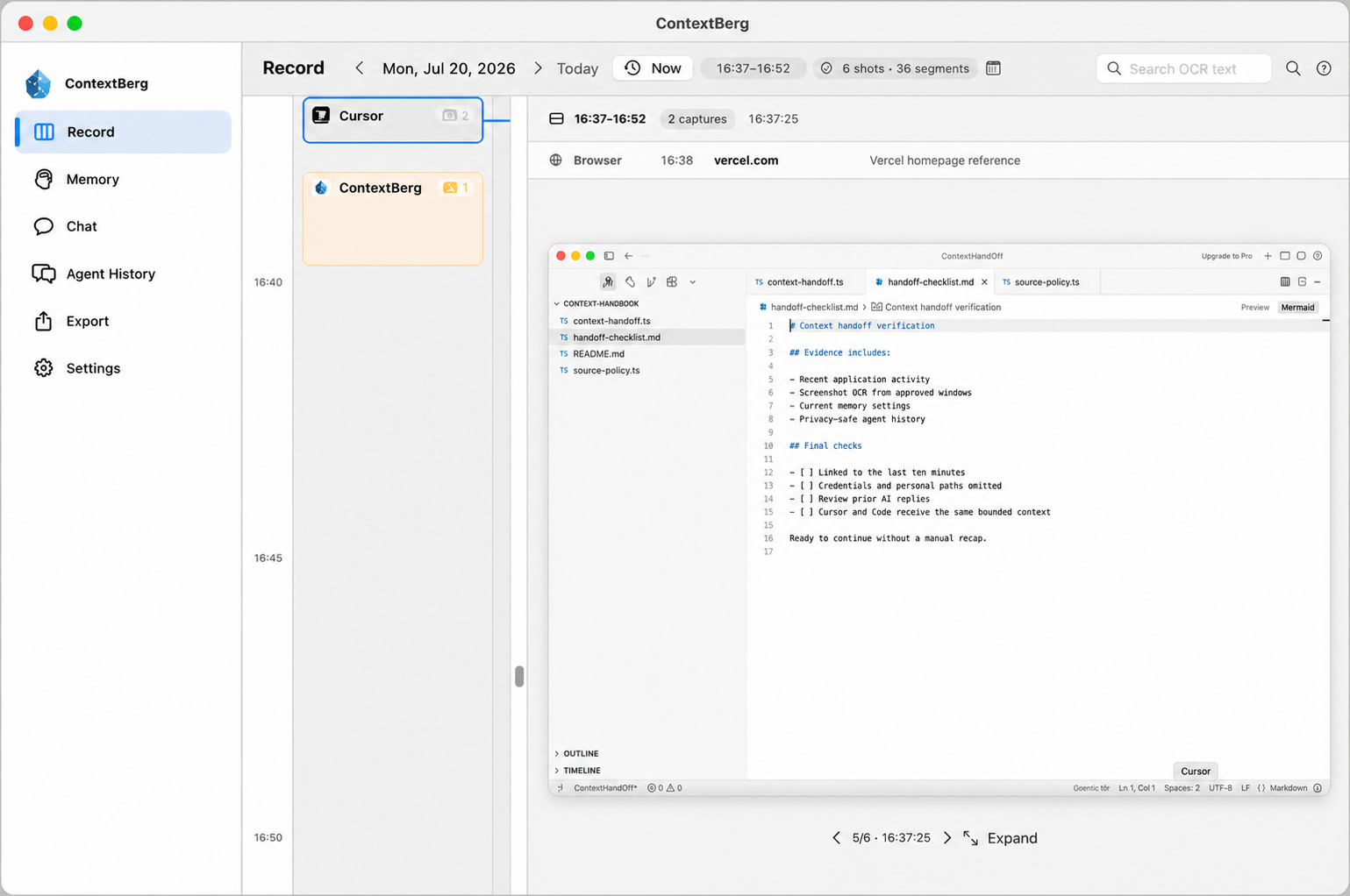
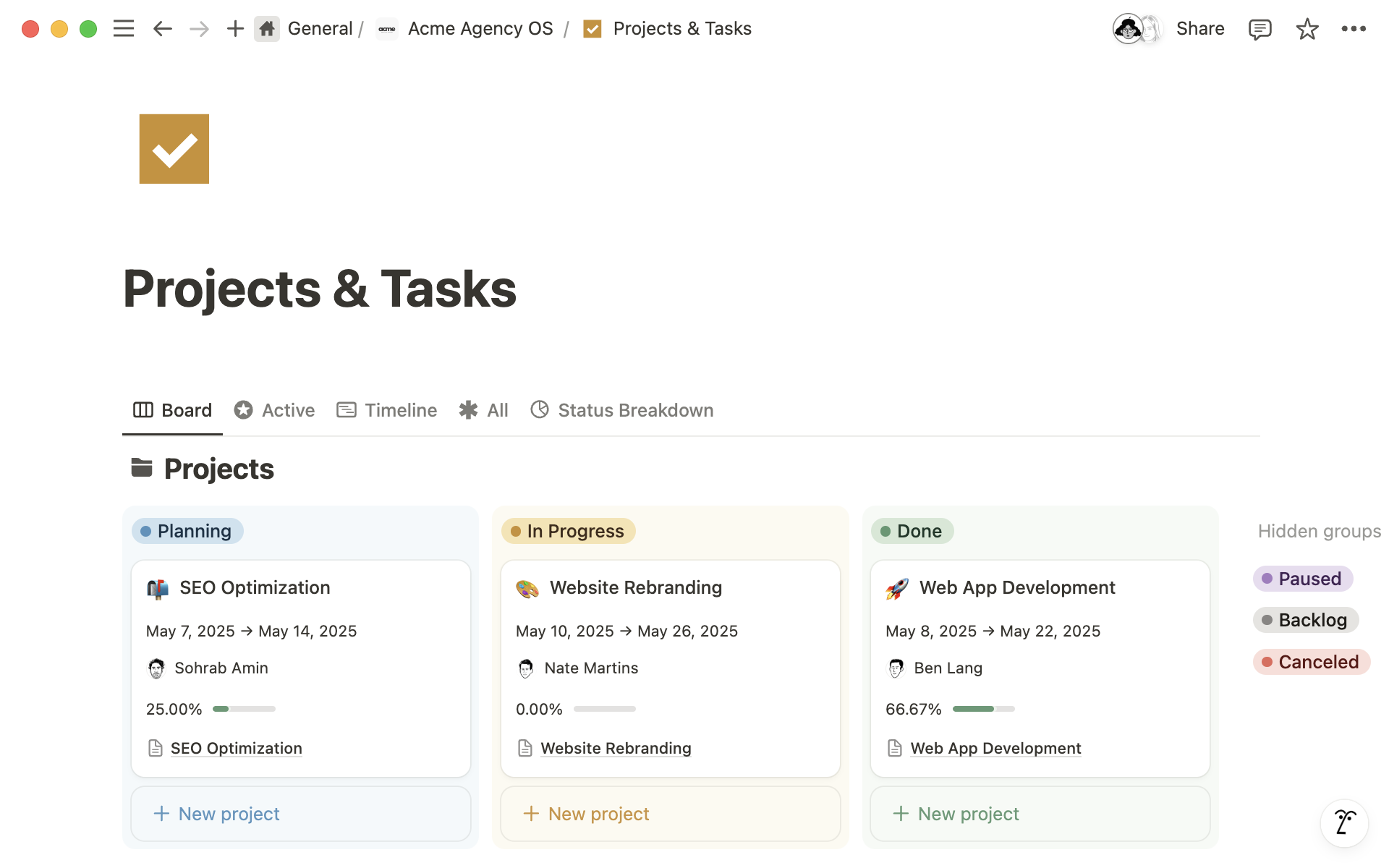
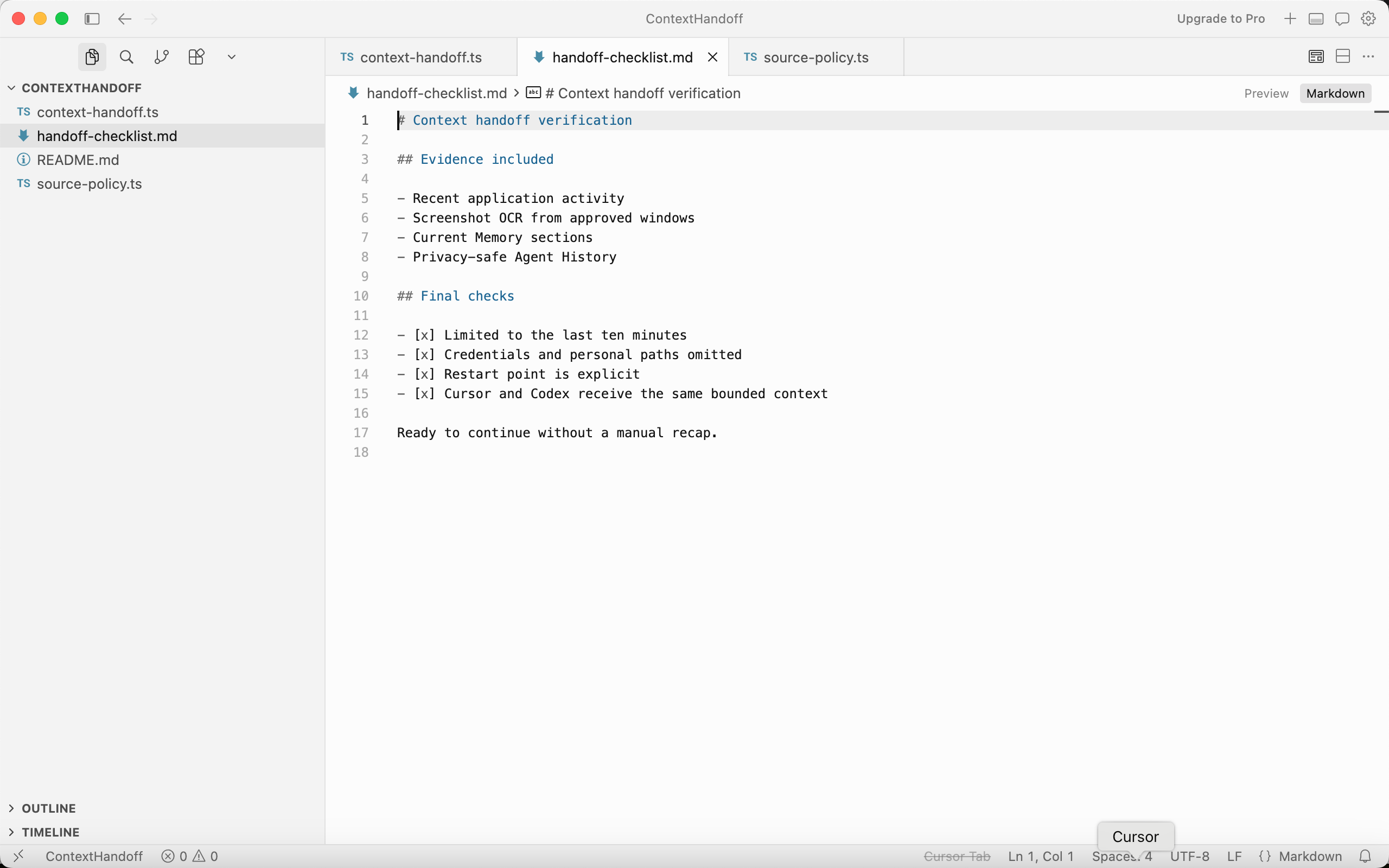
Cursor began a ten-minute handoff packet with activity, memory, and agent history as sources. The Projects & Tasks board in Notion clarified the plan before the source policy was finalized.
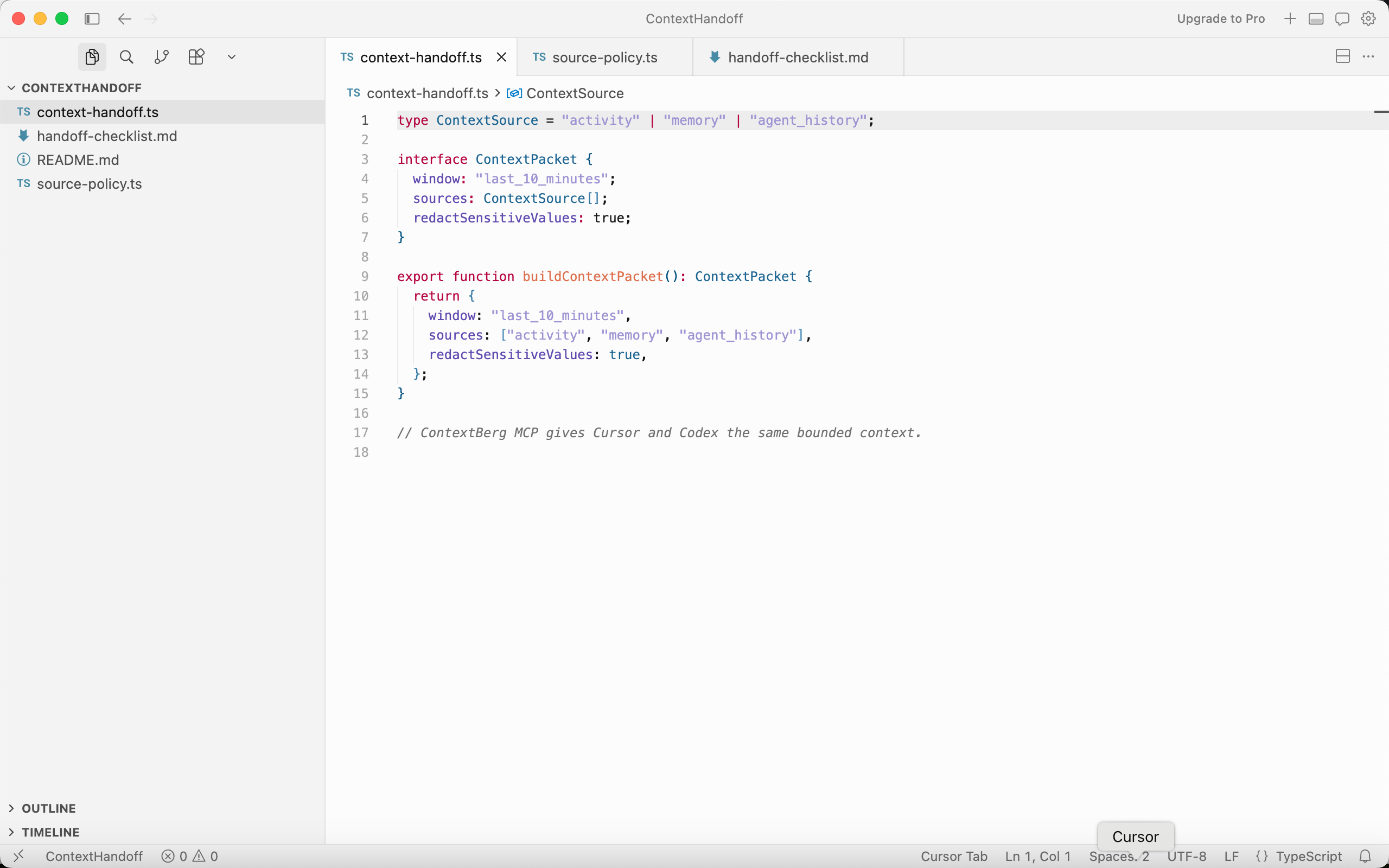
Cursor marked credentials and personal paths as omitted. Codex requested a concise MCP handoff, and the final checklist made the restart point explicit. Chat could then answer what changed without a manual recap.
Durable context distilled from recent work. These notes preserve the decisions and open steps that should survive beyond an individual report.
Current projects
- ContextBerg is a local-first desktop companion. Record connects activity, browser visits, and captured screens; Memory turns recent work into reviewable STM and durable LTM.
- The ContextHandoff demo shows a bounded handoff between Cursor and Codex through ContextBerg MCP.
Decisions and boundaries
- Keep source windows explicit. The handoff packet uses recent activity, approved screenshot text, Memory, and privacy-safe agent history.
- Omit credentials, personal paths, and private project data from the demo handoff; mark synthetic agent history as such.
- For the settings fix, load and save use the same Codable payload and an atomic write to the application-support file.
Working preferences
- Keep work history on the device and select the AI route deliberately; local models remain an option.
- Review claims against the underlying activity, browser page, or screen before promoting them to long-term context.
- Show a concrete restart point and separate passing tests from staging approval.
Open threads
- Run a clean relaunch of the signed staging build to verify settings persistence end to end.
- Check that Cursor and Codex receive the same ten-minute context window and source exclusions.
Tools and environment
- ContextBerg for macOS; Cursor and Codex for implementation; Notion for planning; Apple Developer documentation for file-write behavior.
- ContextBerg MCP can provide selected recent context to connected agents.
Choose only the evidence this answer should use.
Review the settings change and the test run. What did you verify?
I read the updated SettingsStore.swift in Cursor and the Terminal output for the three persistence tests. Load and save now use one Codable file with an atomic write. The tests cover defaults, restore after relaunch, and replacement of an older payload.
Is it approved for release?
The local change and focused tests are complete. I have not seen a clean relaunch of the signed staging app, so that verification remains the next gate before approval.
いつものツールとつながるコンテキスト
 Codex
Codex Claude Code
 Cursor
 OpenClaw
 GitHub Copilot
01 · REMEMBER
離席後も、迷わず再開。
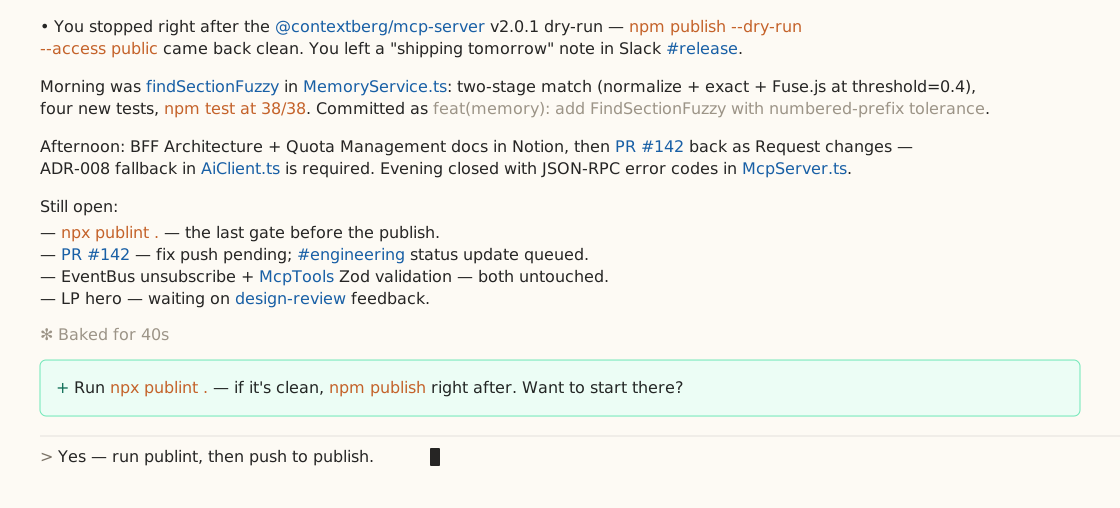
離席から戻ると、Contextbergが直前の作業をまとめて提示します。AFKレポートが、終わったことと残っていることを整理し、どこから再開するかを提案します。
- 戻った時に直前の作業レポートを受け取る
- Memoryで要約の元になった作業を振り返る
- 提案された再開場所から作業を進める
Before you stepped away
The settings fix passed focused tests. A signed-app relaunch check is still open.
ContextBerg analyzed the activity before you returned from away time.
02 · MEMORY
作業内容をメモリに。
短期メモリ(STM)は一定期間の作業を話題ごとにまとめ、関連する画面も残します。長期メモリ(LTM)は、よく使うツールや作業の進め方など、その人の傾向をまとめます。
- STMの話題と関連画面を確認する
- LTMのMemory.mdと過去の版を振り返る
- 必要なコンテキストをChatに渡す
設定修正 — テストは通過、次はステージング
1 再起動時の食い違いを調査
Codexが読み込み・保存先を比較し、Cursorが同じCodableファイルに揃えました。
2 確認し、残る作業を明示
対象の3テストが通過。署名済みアプリの再起動確認は未完了です。
作業スタイルと使用ツール
実装にはCursor、調査やレビューにはCodexを使う。作業を区切るときは、通過したテストと残る確認を分けて記録する。
複数の作業から見えてくる、その人の傾向03 · LOCAL FIRST
履歴は手元に。
使うモデルは、自分で選ぶ。
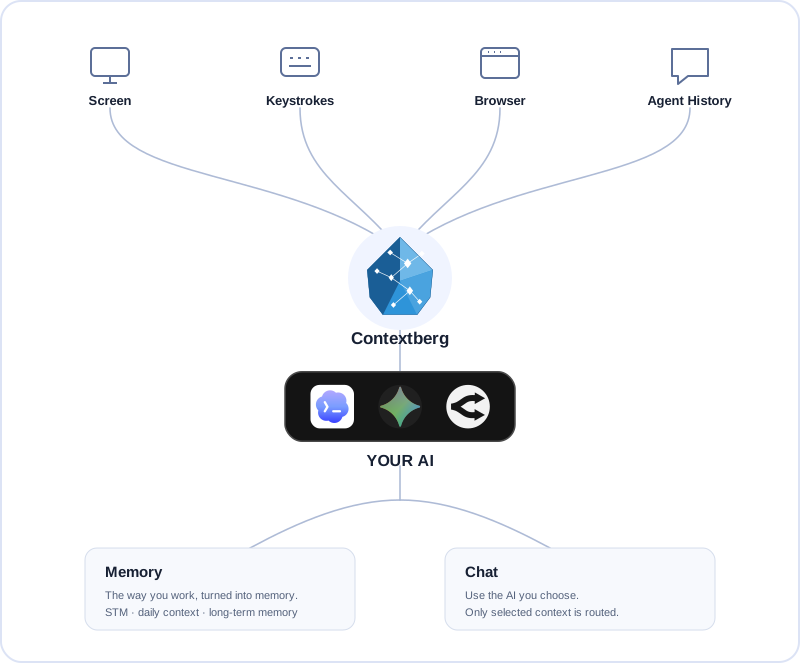
Contextbergは作業履歴を自分のコンピューターに保存します。LM Studioで完全ローカルに処理するか、Codexの既存サインイン、Gemini・OpenRouterのキー、Contextberg Cloudを選べます。
04 · CHAT
何を見たか。何が変わったか。
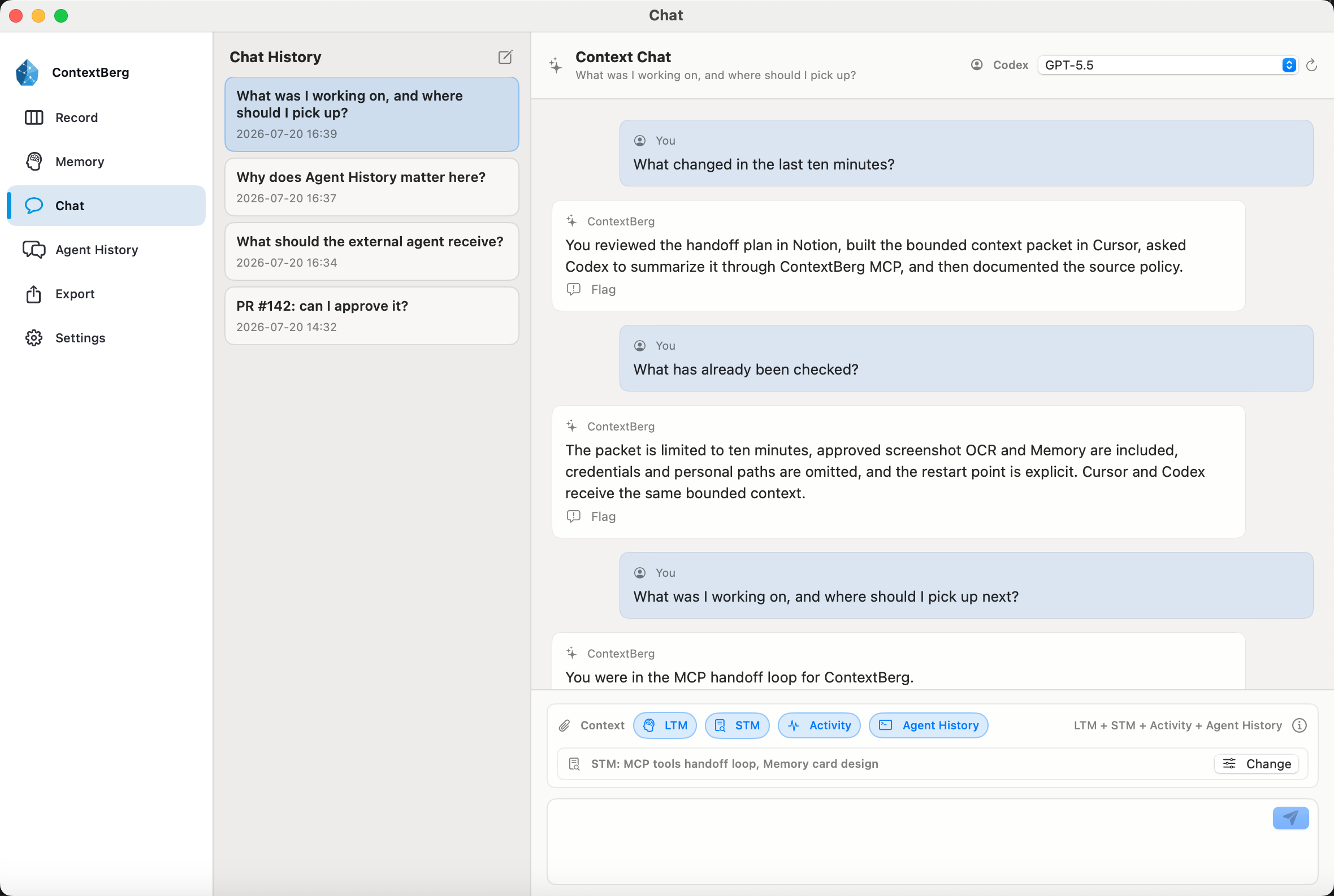
Chatは、選んだアクティビティ、STM、LTM、Agent Historyを使って答えます。読んだページ、エージェントが変更したこと、通過したテスト、次の再開場所をひとつの流れとしてたどれます。
- 見ていたページとアプリをまたぐ作業を聞く
- 直近の記録とエージェントの会話にさかのぼる
- 質問ごとに使うコンテキストを選ぶ
05 · CONNECT / MCP
作業の記録を、エージェントへ。
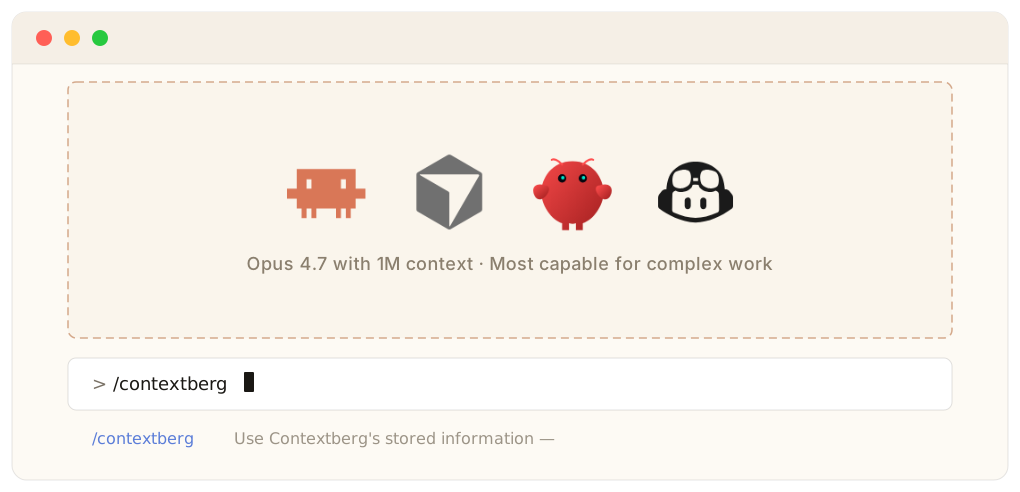
Contextbergに記録した作業を、内蔵MCPサーバーを通じて対応するコーディングエージェントへ渡せます。記録する情報を選び、いつものエージェントで続きを進められます。
- 内蔵MCPサーバーで対応エージェントと接続
- アクティビティ、ブラウザ履歴、Memory、Agent Historyを活用
- 何を記録するかは自分で選べる
作業データは端末内に保存
Record、画面、入力内容、ブラウザ・エージェント履歴、生成されたMemoryは端末内に保存します。
使うモデルは自分で選ぶ
LM Studioならモデルの実行まで端末内で完結。外部モデルを選ぶ場合は、選んだコンテキストを指定した処理先へ送ります。
Contextberg Cloudはモデルの処理先
Contextberg Cloudを選ぶと、選んだコンテキストをVertex AIへ中継してモデルを実行します。プロンプト・応答の本文はContextbergのサーバーに保存しません。クラウドにはアカウント・契約・利用枠と運用情報を保存します。Google側では、適用される条件に従って不正利用の監視のためにプロンプトが一時保持される場合があります。
Googleのデータ保持に関する説明 ↗作業を、忘れないために
記録を残す。続きから始める。
Contextbergは作業の根拠を残し、あとから聞けるようにします。履歴はローカルに保存され、記録する内容も自分で選べます。
Contextbergをダウンロード