Your AI conversations. One searchable archive.
Keep useful answers within reach. Save supported AI conversations on your device, find them across services, and pick up where you left off.
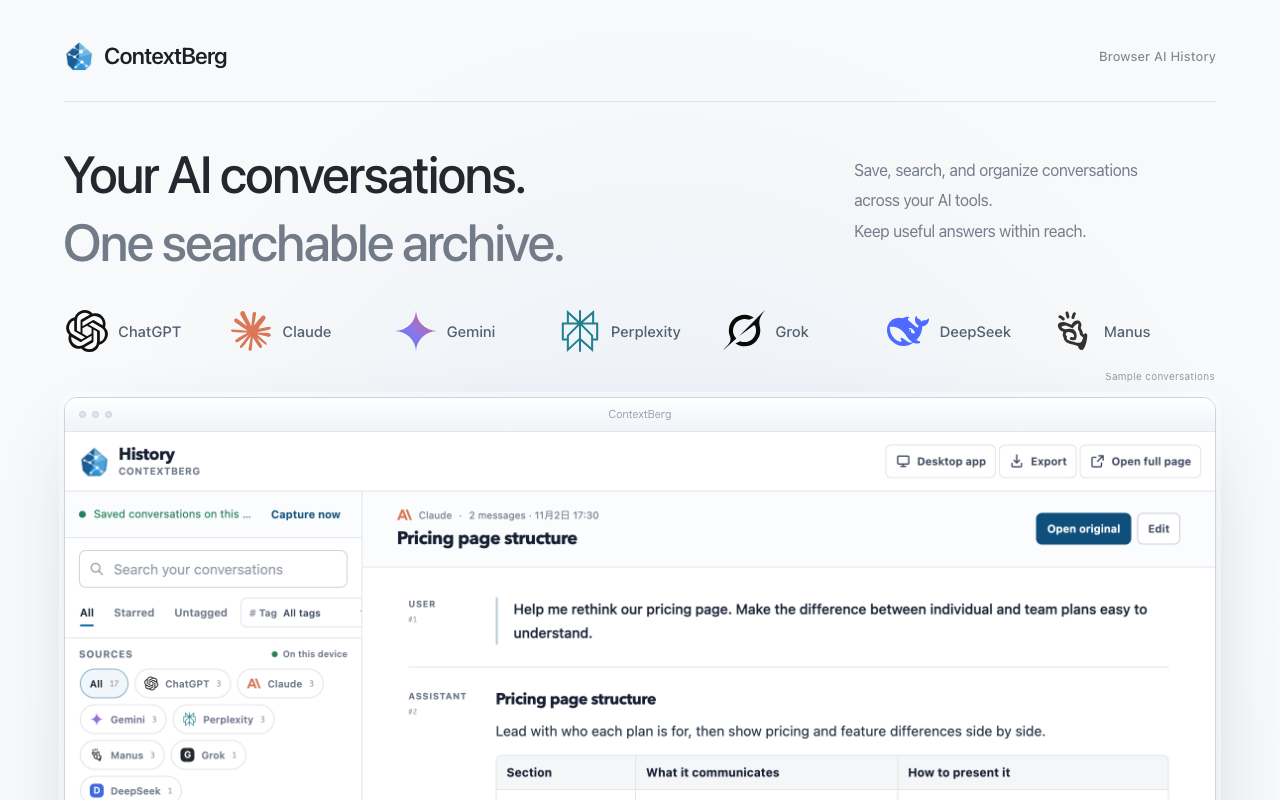
Local archive
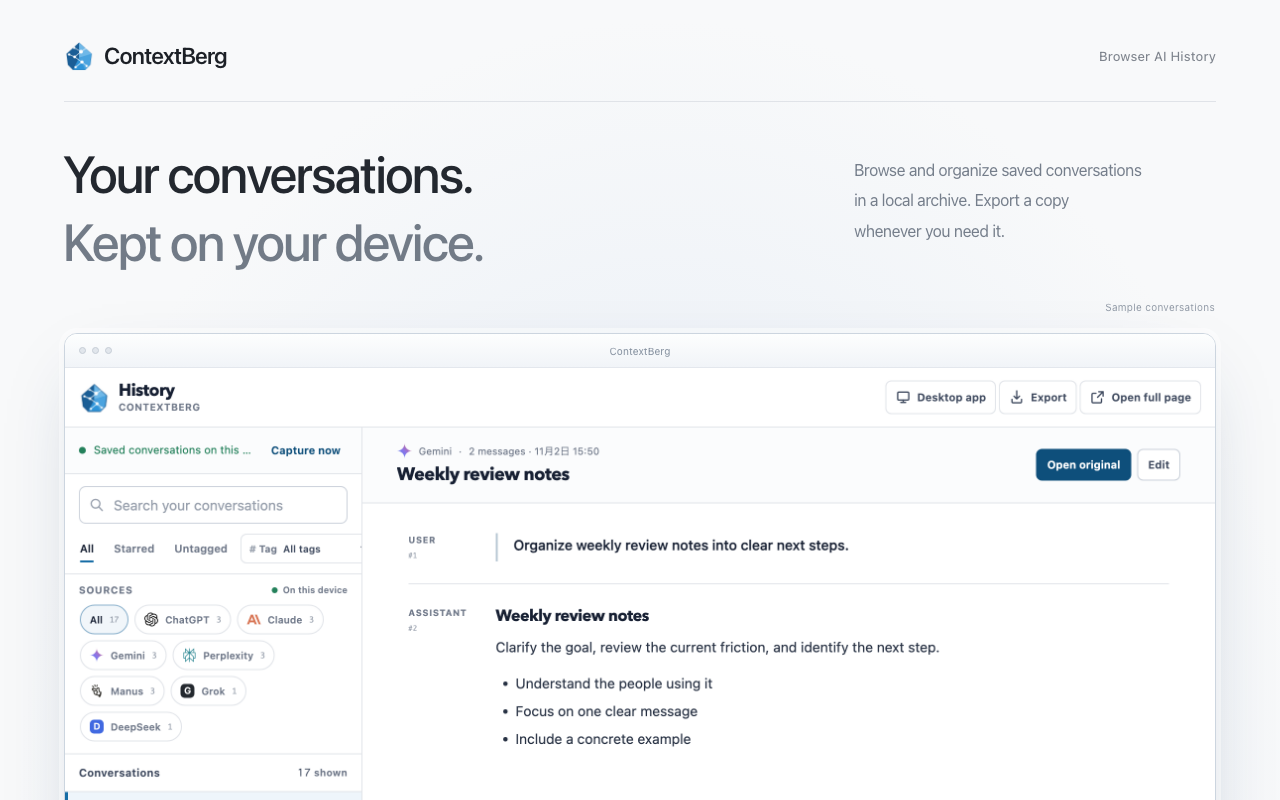
One side panel for saved AI work
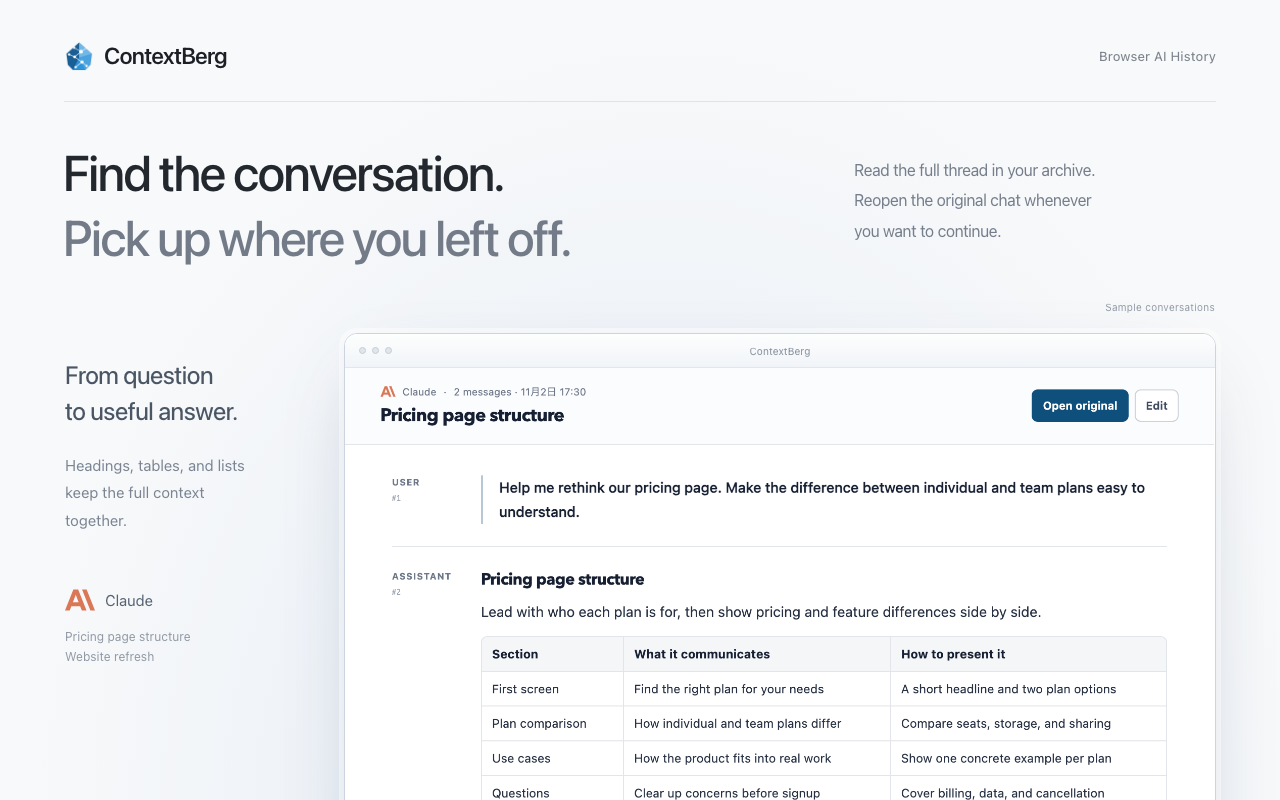
Save chats where they happen, then browse, bookmark, tag, and reopen the original conversation from the ContextBerg side panel.
Search across providers
Search saved conversations across your AI tools. Find the prompt, answer, link, or decision you need without hunting through tabs.
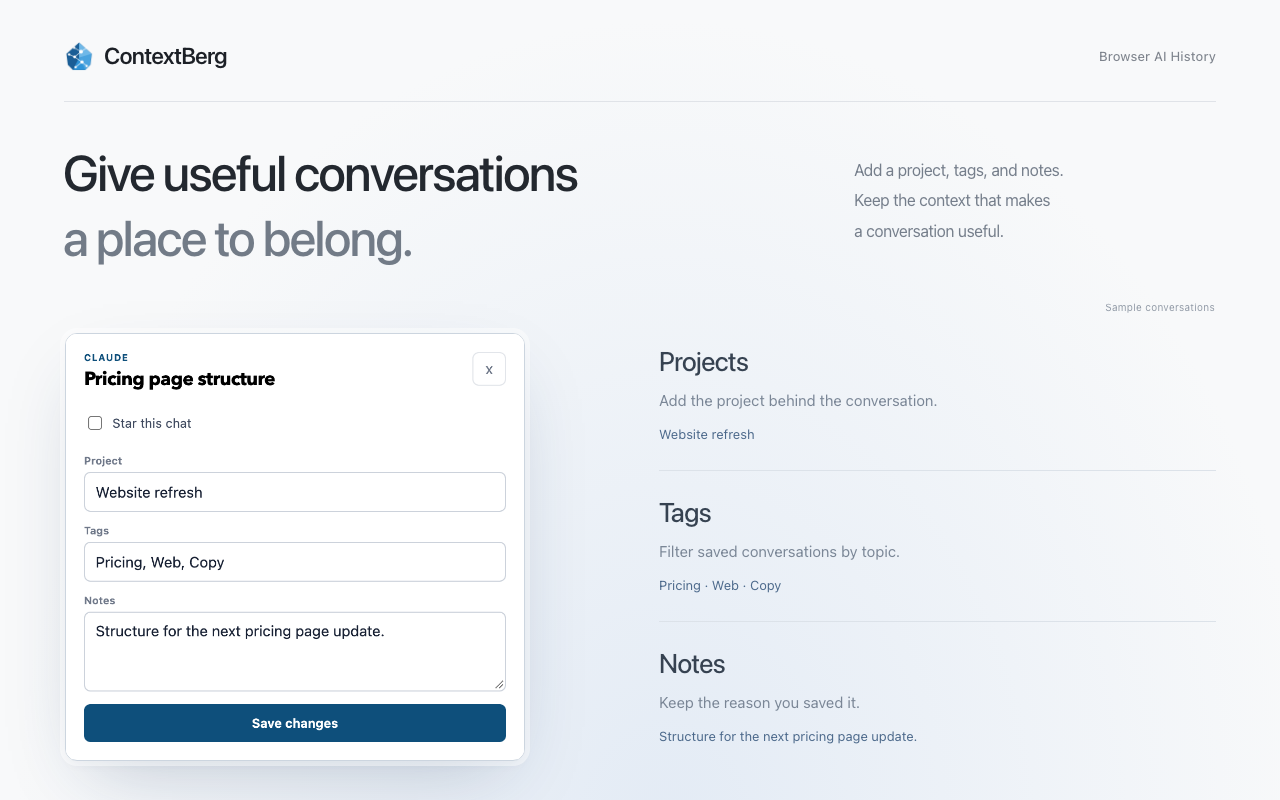
Organize by project
Add bookmarks, tags, and project labels so saved conversations become reusable working notes instead of scattered tabs.
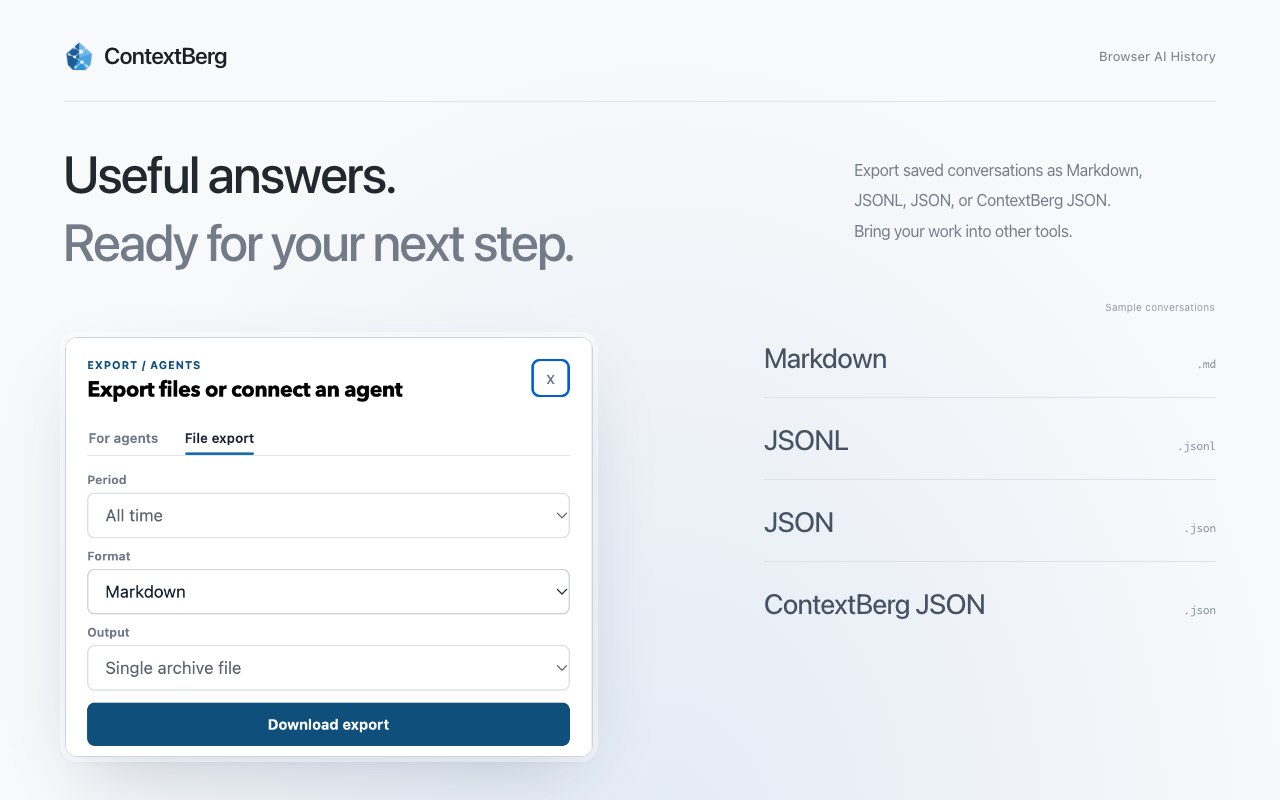
Export for files and agents
Export as Markdown, JSONL, raw JSON, or ContextBerg JSON. Use the agent workflow when Codex, Claude Code, or Cursor needs the archive.
SQLite-backed local history
When the optional local bridge is running, saved conversations are mirrored to a local SQLite archive on your machine.
Version 0.1.26 preview. Sample conversations. Open an image to view it at full size.
Connect browser research with the rest of your work
The Chrome extension works on its own. For broader work context, explore the ContextBerg desktop app, or export selected conversations for your files and coding agents.
- 01Add the Chrome extension to save AI conversations where they happen.
- 02Explore the ContextBerg desktop app for local work context.
- 03Use exports or agent access to reuse saved browser AI work in reports, Codex, Claude Code, and Cursor.
Local-first by design
The extension does not send captured conversation content to ContextBerg, the developer, analytics services, advertising networks, or other third-party servers. Optional bridge traffic stays on loopback URLs such as 127.0.0.1 or localhost.
Privacy policy for the extensionSupported browser AI pages
Version 0.1.26 supports ChatGPT, Claude, Gemini, Perplexity, Grok, DeepSeek, and Manus. Grok support is for grok.com. Update to 0.1.26 from the Chrome Web Store to use the new providers. The extension saves conversations opened in supported pages; it does not import an entire account history.